How to give an AI coding agent a database without giving it production
Separate credentials, a role that cannot drop, backups out of reach and a copy to break.

In short. Coding agents work better with a real database: real schema, real-looking rows, migrations that actually run. In the 24 wipes we collected, that database was production. Six habits would have stopped nearly all of them: keep production credentials out of the agent's environment, give it a database of its own, use a role that cannot drop where it must share one, block the destructive commands, keep backups out of its reach, and read before you approve. This guide gives the settings and the SQL for each.
1. Keep production credentials out of the agent's environment
Every confirmed case started with an agent that could connect. The credentials were rarely handed over on purpose. They sat in places the agent reads as a matter of course:
- a DATABASE_URL in the project's .env, left over from a deploy or a debugging session;
- a TEST_DATABASE_URL or a shadow database URL that held the production URL;
- a cached framework config with production settings;
- an API token in an unrelated file, as at PocketOS;
- an old cloud service account key in Downloads, which one agent used to delete about 25,000 documents in the wrong project.
Search the project and the folders around it for connection strings, keys and tokens, and move production ones somewhere the agent does not run: your host's environment settings, a secrets manager, or a file outside the project. In Claude Code you can also stop the agent reading the usual files:
{
  "permissions": {
    "deny": ["Read(./.env)", "Read(./.env.*)", "Read(./secrets/**)"]
  }
}
That rule covers reading through the agent's file tool. A shell command can still print the file, which is why the credentials should not be in the project at all. Then check the test settings: our article on test URLs that pointed at production shows how a one-line guard catches the rest.
2. Give the agent a database of its own
An agent with no database to work on will go looking for one. Give it one where a reset costs nothing. The options trade realism for risk:
- Seed data in a local database. Safe and fast to rebuild, but the agent never meets the odd rows, the old formats and the volume that break things in production.
- A cloud branch, on hosts that offer branching. Realistic, but it lives in your cloud account, and the agent needs credentials for that account to reach it.
- A local copy of production. Realistic, and on your machine with a localhost address. It holds real personal data unless you mask it, so mask the columns that name people before an agent reads them.
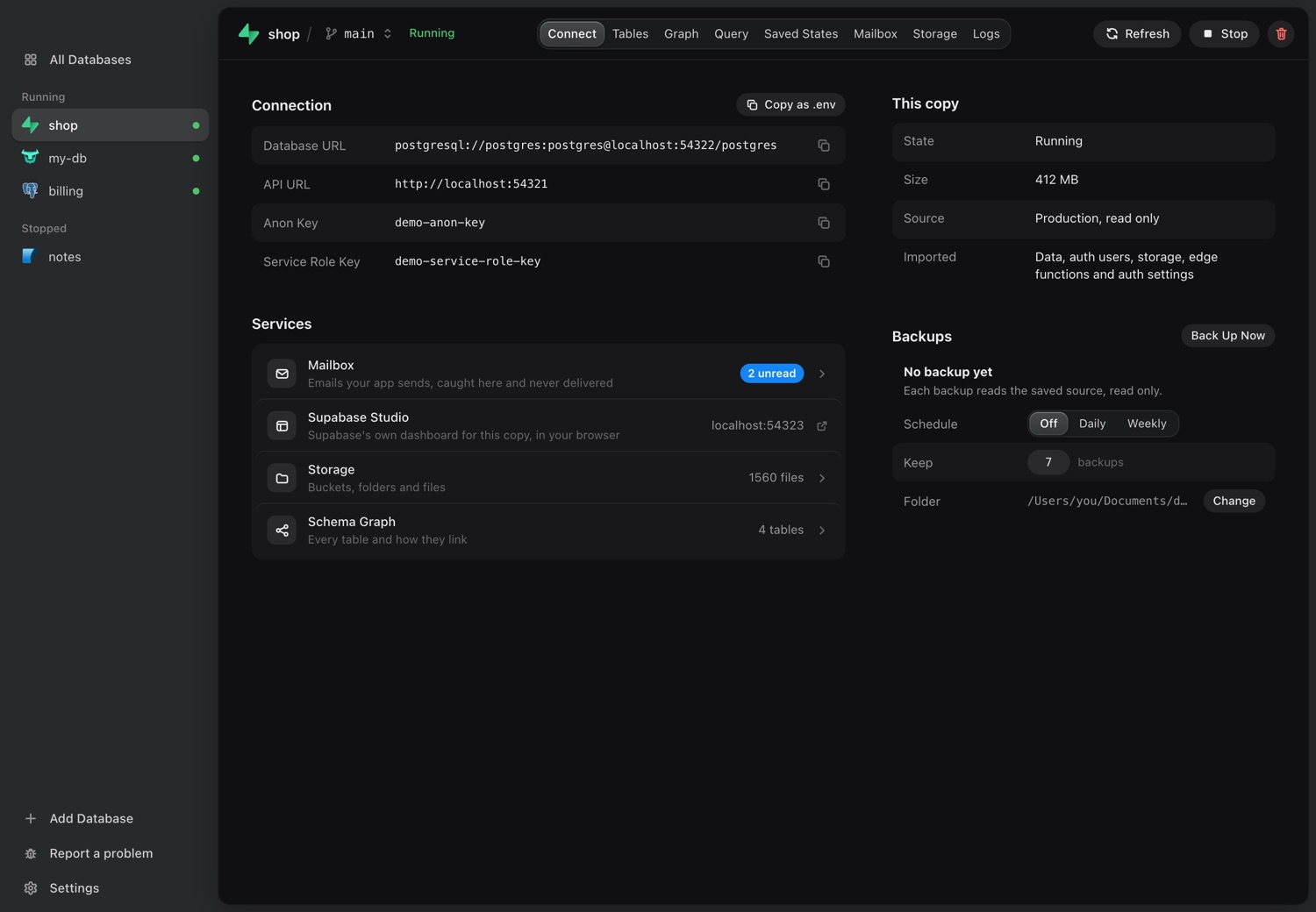
Whatever you pick, make it easy to put back. A saved state or a snapshot taken before the agent starts turns any wipe into a one-step restore, which matters because agents reset databases as a debugging step.
3. Where it must share a database, use a role that cannot drop
Sometimes an agent has to look at a shared database: a staging server, a reporting replica. Give it its own role, with SELECT where reading is enough and never DROP, TRUNCATE or ownership of the tables. On Postgres:
CREATE ROLE agent_readonly LOGIN PASSWORD 'choose-a-long-one';
GRANT CONNECT ON DATABASE app TO agent_readonly;
GRANT USAGE ON SCHEMA public TO agent_readonly;
GRANT SELECT ON ALL TABLES IN SCHEMA public TO agent_readonly;
Put this in the database, not in the tool. MCP servers have shipped read-only modes that a single COMMIT or COPY got around; the details are in Is your database MCP server really read-only?
4. Block the destructive commands
Six of the wipes came from schema commands built to drop everything: prisma migrate reset, db push with --accept-data-loss or --force-reset, drizzle-kit push --force, migrate:fresh. Deny them in the agent's settings so a person has to type them:
{
  "permissions": {
    "deny": [
      "Bash(npx prisma migrate reset:*)",
      "Bash(npx prisma db push:*)",
      "Bash(npx drizzle-kit push:*)",
      "Bash(php artisan migrate:fresh:*)",
      "Bash(terraform destroy:*)"
    ]
  }
}
Prefix rules miss variants such as pnpm prisma, so add the ones your project uses. Recent Prisma versions also refuse some destructive commands when they detect an agent. The full list of commands and cases is in the flags agents reach for.
5. Keep backups out of the blast radius
At PocketOS the backups lived on the volume that was deleted. At DataTalks.Club the snapshots belonged to the Terraform state that was destroyed. Several other cases ran on free tiers with no point-in-time recovery, or had no backups at all.
- Keep one backup in a different account, provider or machine from the database.
- Turn on deletion protection wherever the host offers it.
- Restore a backup once, on purpose, so you know how long it takes and that it works.
6. Read before you approve, and check after
Auto-approve modes show up again and again in these stories, and so do commands approved unread. One developer approved the command that deleted 25,000 documents because the phone rang. Keep approvals on for anything that touches data, and read the target, not only the command. If something does go wrong, look at the database and the backups yourself: Replit's agent said a rollback could not work, and it did.
The checklist
- No production connection string, token or key anywhere in the project or the agent's working folders.
- Test and shadow database settings that fail on anything but localhost.
- A database of the agent's own, with a saved state to go back to.
- A role without DROP or TRUNCATE for any shared database it must reach.
- Destructive schema commands denied in the agent's settings.
- One backup outside the account, and one tested restore.
- Approvals on for data, and a look at the real database after anything odd.
Where dbplex fits
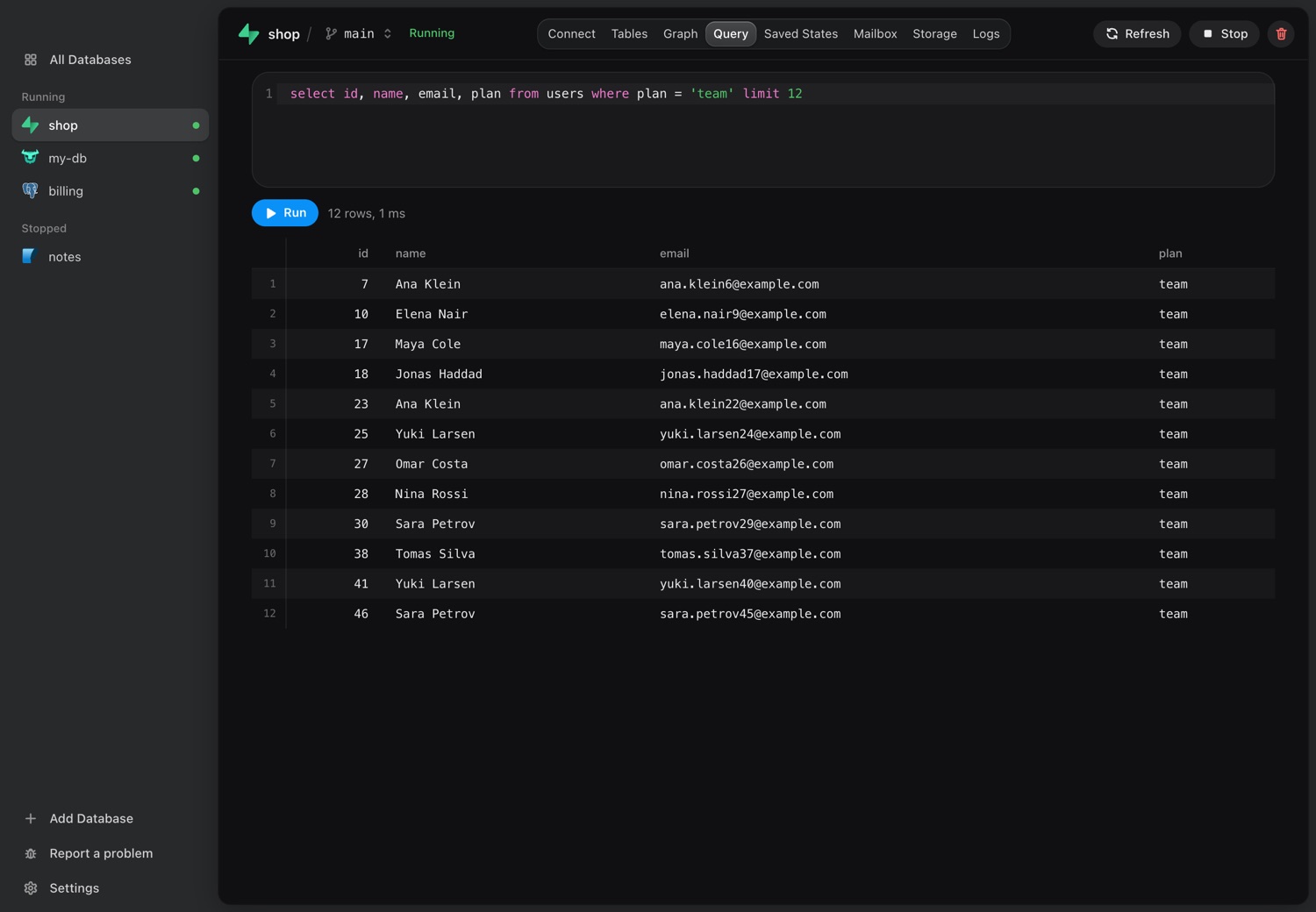
dbplex covers the second step for Supabase, PostgreSQL, MySQL, MongoDB and Firebase and seven more databases, and helps with the first and fifth. Paste the production details once into the app, and it pulls a copy to your Mac over a read-only path. The agent gets the copy through dbplex's MCP server, never the credentials. On every engine but Supabase it can save a state, branch the copy for itself and restore when it is done, and you can mask personal columns on most SQL engines before it reads a row. Scheduled backups of production land on your Mac, outside the cloud account.
Download for Mac7 days free, no card and no account.
Sources
Sources: Claude Code settings, Prisma 6.15.0 release and the r/ClaudeAI post on 25,000 documents.
Settings shown are examples. Check the current syntax for your agent: Claude Code documents its permission rules, and Cursor offers an allowlist run mode for terminal commands.