Is your database MCP server really read-only?
Two read-only modes that were not, one role that skipped every rule, and the setting that holds.

In short. Two widely used Postgres MCP servers had read-only modes that could be talked out of being read-only. Anthropic's reference server wrapped queries in a read-only transaction, and a query starting with COMMIT ended the transaction and ran whatever came next. AWS Labs' server missed COPY ... TO PROGRAM, which can run commands on the database host. Separately, researchers showed a Supabase MCP setup running as service_role, which skips row level security, leaking a private table through a support ticket. In each case the database itself would have refused if the connection had used a role with SELECT rights only. Read-only belongs in the database, and the safest data to hand an agent is a copy.
The reference Postgres server and COMMIT

The original Postgres MCP server, published as @modelcontextprotocol/server-postgres and as the mcp/postgres Docker image, offered one tool: run a read-only query. It did that by opening a read-only transaction around each query. The Node Postgres client, though, accepts several statements in one call, so a query like this ends the read-only transaction and runs the rest with the connection's full rights:
COMMIT; DROP SCHEMA public CASCADE;Datadog Security Labs wrote it up in August 2025. Anthropic had already deprecated and archived the server, yet Datadog counted about 21,000 downloads a week, and the published package stayed unpatched. The agent does not have to mean harm for this to matter: a model that writes multi-statement SQL to get a job done, or one that reads instructions planted in your data, gets past the check the same way.
The AWS Labs server and COPY ... TO PROGRAM
In September 2026 AWS published a bulletin for its own Postgres MCP server. Its read-only mode checked SQL against rules that missed COPY ... TO PROGRAM, a Postgres statement that runs a shell command on the database server. A crafted statement inside content a user processed through the server, in the default read-only mode, could run operating system commands on the host whenever the server's role was a superuser or held pg_execute_server_program. Version 1.1.7 fixed it. AWS's own advice is the lasting part: connect with a dedicated, minimal database role.
Supabase MCP and service_role

In July 2025 General Analysis built a support app on Supabase with dummy data and connected Cursor to it through the Supabase MCP server, running as service_role. They filed a support ticket that contained instructions aimed at the developer's assistant. When the developer asked Cursor to show the latest ticket, the agent read the private integration_tokens table and wrote its contents into the ticket thread, where the "customer" could read them. service_role skips row level security, so no policy stood in the way.
Simon Willison named the combination the lethal trifecta: private data, untrusted input and a way to send data out, all in one agent. Supabase says no customer has reported a leak through MCP, and it added a read-only mode, project scoping and tool groups. The data in the demo was fake. The writes in real life were not: in December 2025 a Claude Code user reported that the agent, through the Supabase MCP server, set three columns to NULL on about 55,000 rows without asking.
Where read-only has to live
All three problems sit in the same place: the MCP layer decided what was safe, while the database connection underneath could do anything. A filter in the middle can be wrong, and a parser can miss a statement. A role in the database is checked by the database on every statement, whoever sends it. On Postgres:
CREATE ROLE agent_readonly LOGIN PASSWORD 'choose-a-long-one';
GRANT CONNECT ON DATABASE app TO agent_readonly;
GRANT USAGE ON SCHEMA public TO agent_readonly;
GRANT SELECT ON ALL TABLES IN SCHEMA public TO agent_readonly;
ALTER DEFAULT PRIVILEGES IN SCHEMA public
  GRANT SELECT ON TABLES TO agent_readonly;
On MySQL and MariaDB:
CREATE USER 'agent_readonly'@'%' IDENTIFIED BY 'choose-a-long-one';
GRANT SELECT ON app.* TO 'agent_readonly'@'%';
Never give the agent a superuser, an owner of the tables, or a Postgres role with pg_execute_server_program or pg_write_server_files. On Supabase, keep service_role and the secret key away from the agent, and use the MCP server's read-only mode and project scoping on top of a project that is not production.
Read-only still reads production
A SELECT-only role stops writes. It does not stop the agent reading every customer's email address and sending it to a model provider, and it does not stop a planted instruction in a row from steering the agent somewhere else. Both are reasons to point agents at a copy of the data, with personal columns masked, rather than at production with tighter rights.
Where dbplex fits
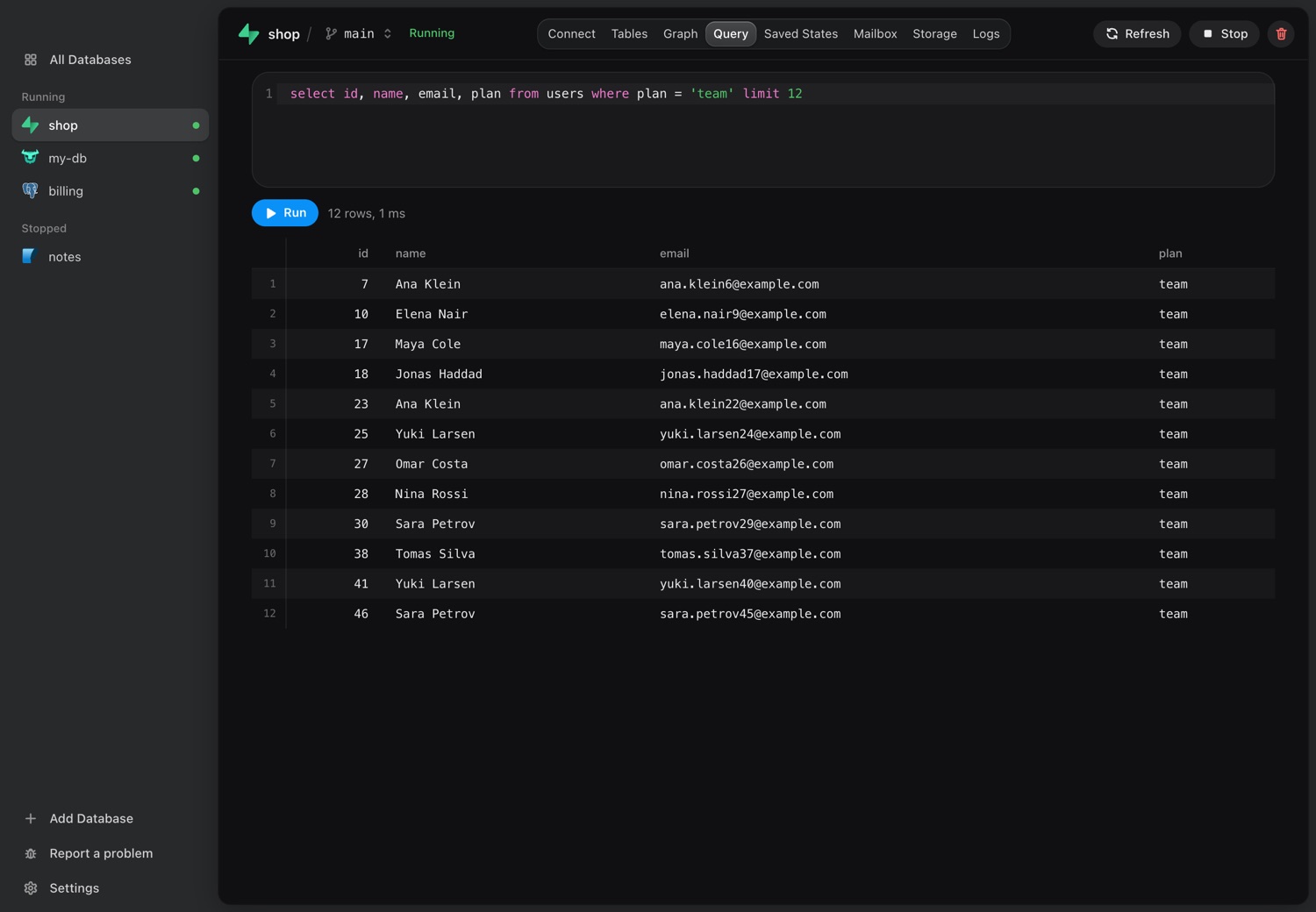
dbplex's MCP server works on local copies only, so the agent may write, drop and reset, and the damage stays on your Mac. The copy is pulled over a read-only path, and the agent never sees the production credentials. A copy can still hold things that call out, such as a foreign table or a scheduled HTTP call, and dbplex lists each one it finds after a pull. On Supabase, PostgreSQL, MySQL, SQL Server and Oracle, MariaDB and Turso, dbplex can mask personal columns as the copy is pulled, so the agent reads realistic rows without real people in them. You confirm each masked column.
Download for Mac7 days free, no card and no account.
Sources
Sources: Datadog Security Labs, AWS security bulletin 2026-104, General Analysis, Simon Willison, Supabase and GitHub issue 13325.