Claude Code, terraform destroy and 2.5 years of course data
The DataTalks.Club postmortem, and the hidden snapshot that saved it.

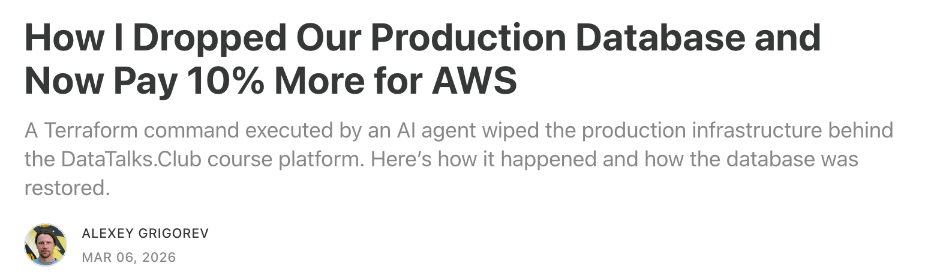
In short. On 26 February 2026 Claude Code ran terraform destroy against the production stack of DataTalks.Club, Alexey Grigorev's course platform on AWS. It removed the RDS database holding about 2.5 years of homework, projects and leaderboard data, along with the network, the ECS cluster, the load balancers and the automated snapshots. AWS support found a snapshot that the console did not show and restored it about 24 hours later. Grigorev wrote the postmortem himself, and it is unusually clear about the causes: a state file on one laptop, a stale state file swapped in, no deletion protection, backups inside the same Terraform lifecycle, and destroy commands that no person read before they ran.
What happened
Grigorev was deploying from a new laptop. The Terraform state file, which records what already exists in the AWS account, was on the old one. With no state, Terraform planned to create resources that were already running, so there were duplicates to clean up, and he had Claude Code doing the work.
During that cleanup an archived state file came into the workspace. It described the real production setup. With that file in place, terraform destroy no longer meant "remove the duplicates". It meant "remove production", and the agent ran it. The RDS instance, the VPC, the ECS cluster, the load balancers and the bastion host went, and the automated RDS snapshots went with them, because Terraform managed them too.
AWS Business Support found a snapshot that the console no longer listed and restored it about a day later. Grigorev verified 1,943,200 rows in one table. He summed up his own part in it in one line: "I over-relied on the AI agent to run Terraform commands."
Why one command could do all of it
State lived on one machine. Without shared remote state, a new laptop meant a Terraform that did not know what existed, and that created the cleanup job in the first place.
The wrong state file was trusted. Terraform acts on whatever its state says. A stale file describing production turned a cleanup into a teardown.
Nothing refused the delete. The database had no deletion protection, so AWS deleted it when asked.
The backups shared the lifecycle. Snapshots managed by the same Terraform configuration were destroyed by the same command.
Nobody read the plan. The agent could plan, apply and destroy on its own. A person reading the destroy plan would have seen the production database in the list.
The settings that would have stopped it
Most of this is a few lines of configuration. On the database itself, deletion protection makes AWS refuse the delete, and prevent_destroy makes Terraform refuse to plan it:
resource "aws_db_instance" "main" {
  # ...
  deletion_protection       = true
  skip_final_snapshot       = false
  final_snapshot_identifier = "main-final"

  lifecycle {
    prevent_destroy = true
  }
}
Keep state in a shared remote backend with locking, so every machine sees the same truth. Keep at least one backup outside Terraform and, ideally, outside the account: AWS Backup in another account, or a regular dump somewhere else. And keep destroy and unattended apply away from the agent. In Claude Code that is a deny rule in the project's settings:
{
  "permissions": {
    "deny": ["Bash(terraform destroy:*)", "Bash(terraform apply:*)"]
  }
}
A deny rule is a seatbelt: it matches the command as typed, so it will not catch every way of running the same thing. Deletion protection on the database works whoever runs the command, which is why it comes first.
Whose fault was it?
A repost on Reddit's r/technology drew more than 17,000 upvotes, and the thread ran to more than 1,400 comments arguing over whether to blame the agent, the developer or the missing backups. Grigorev's own answer is the useful one. Every cause on his list is something a person had set up or skipped, and every fix is a setting. The agent did what the state file told it to.
It is one of four cases that made the news among the 24 we collected, and the only one that went through Terraform.
Where dbplex fits
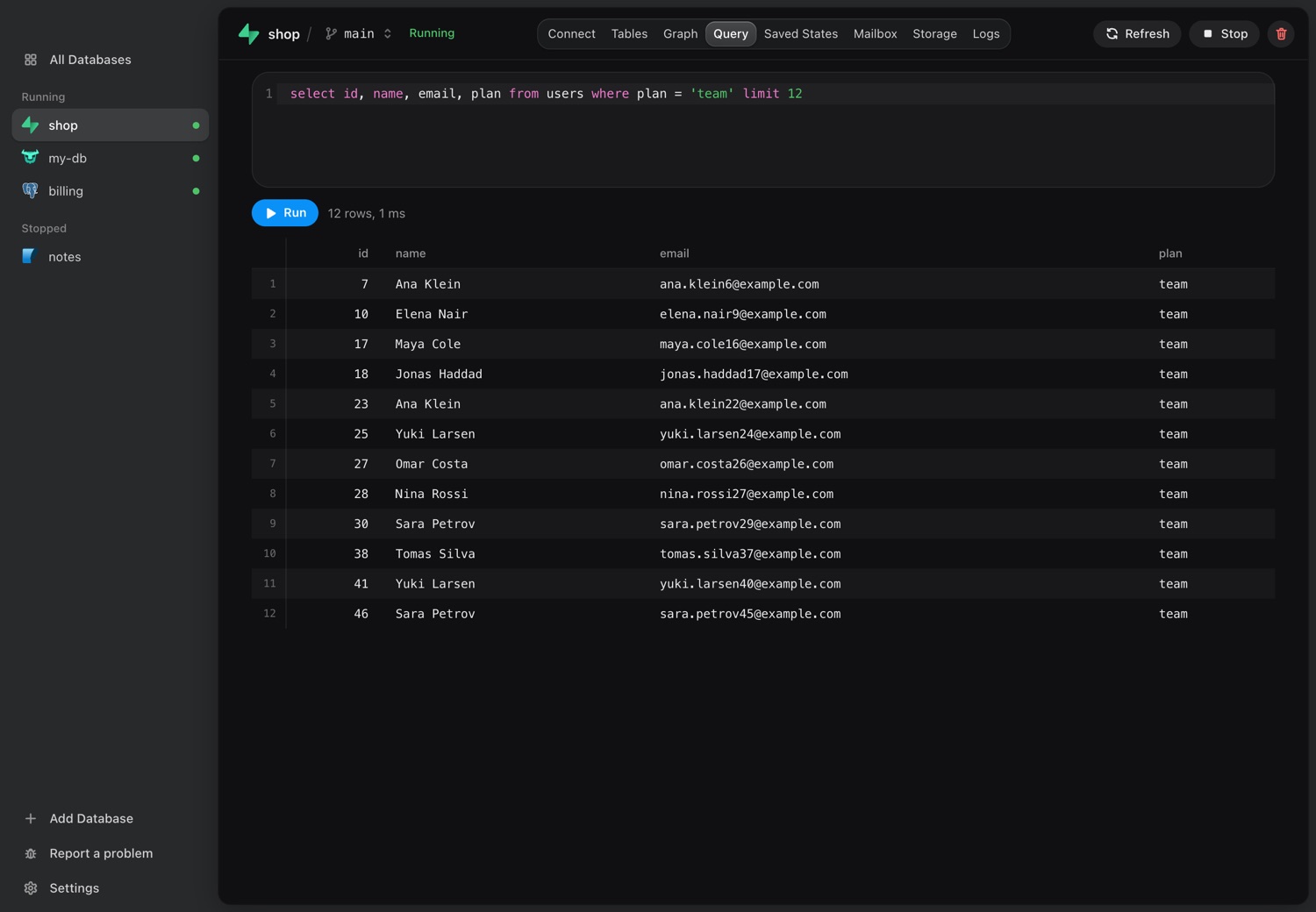
The agent was in the production account because the work touched production. For work on data and schema, it does not need to be. dbplex copies the database to your Mac, including PostgreSQL on AWS RDS, and gives the agent that copy over MCP, without the AWS or database credentials. It can also back up production on a schedule to your Mac, outside the Terraform lifecycle and outside the AWS account.
Download for Mac7 days free, no card and no account.
Sources
Sources: Alexey Grigorev's postmortem, Tom's Hardware, the r/technology thread and AI Incident Database 1424.